macOS
A native app with the same library. Build it from source with CMake and SDL2; installers can be dropped onto the window.
Build instructionsAn open-source adventure
Three wonderfully strange adventures, back in your browser. A new engine for the Goblins trilogy, built for the way we play today.
 THE GOBLINS
Your games. Your saves. Your browser.
The playroom
BRING YOUR OWN GAMEOwn the trilogy on GOG? Your offline installers are your ticket in.
Plays with a mouse and keyboard or a touchscreen, in a browser with WebGL 2. On a phone, open the full player; on iPhone, add it to your Home Screen from Safari’s share menu to play full screen. If the player does not start, open it directly.
A closer look
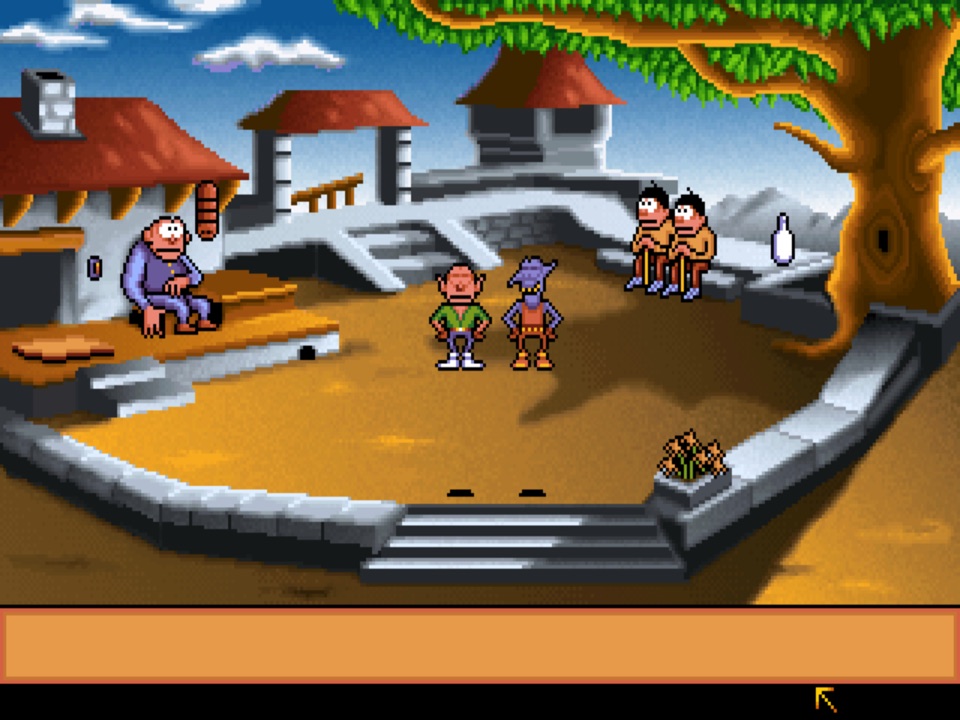
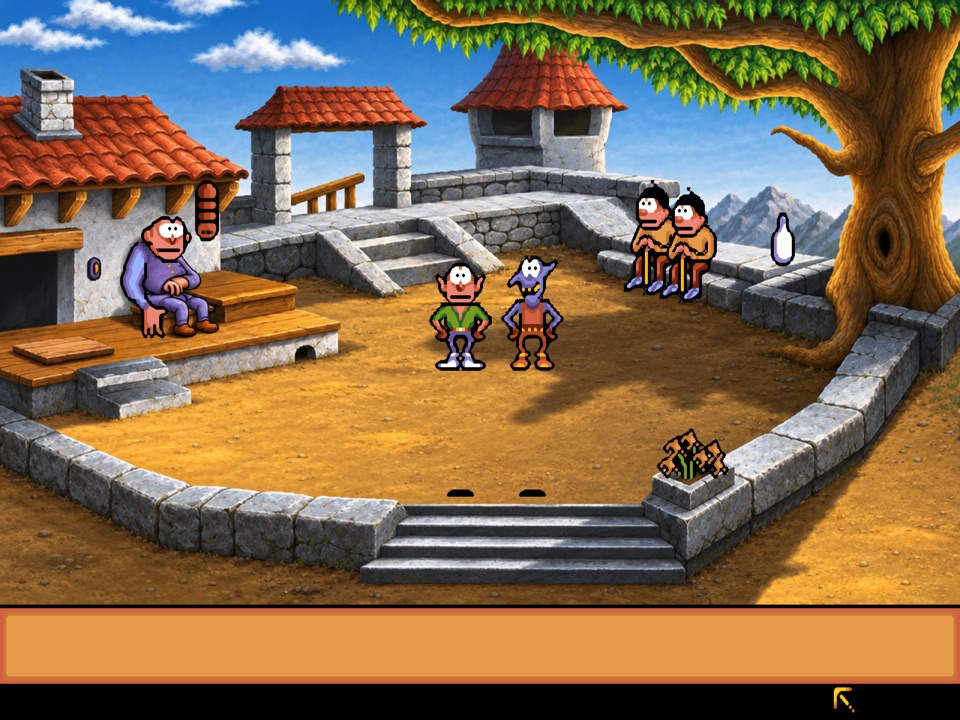
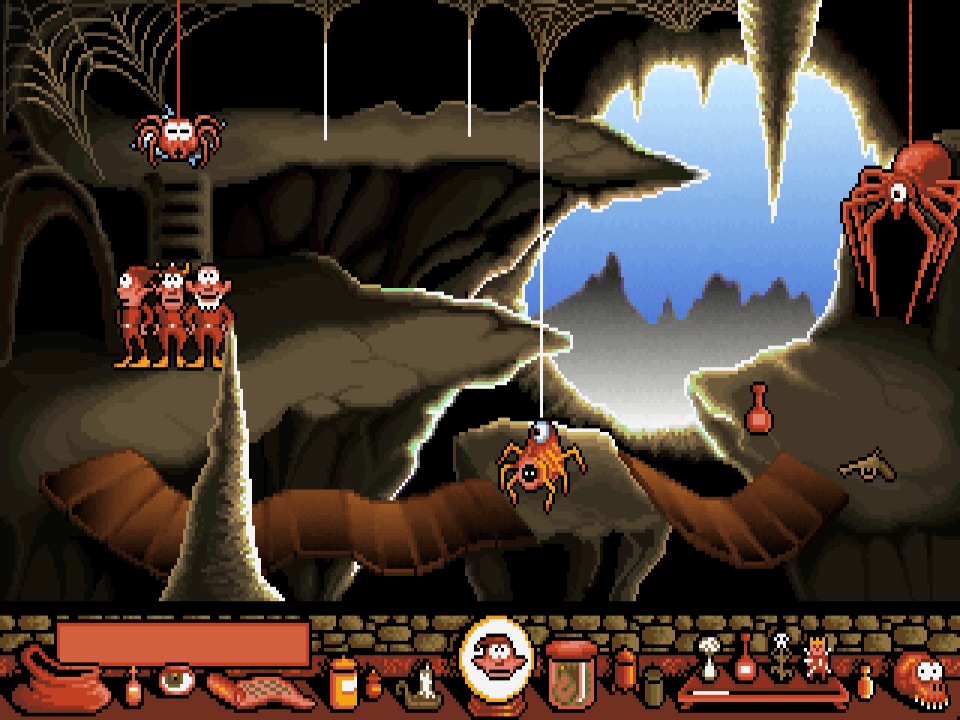
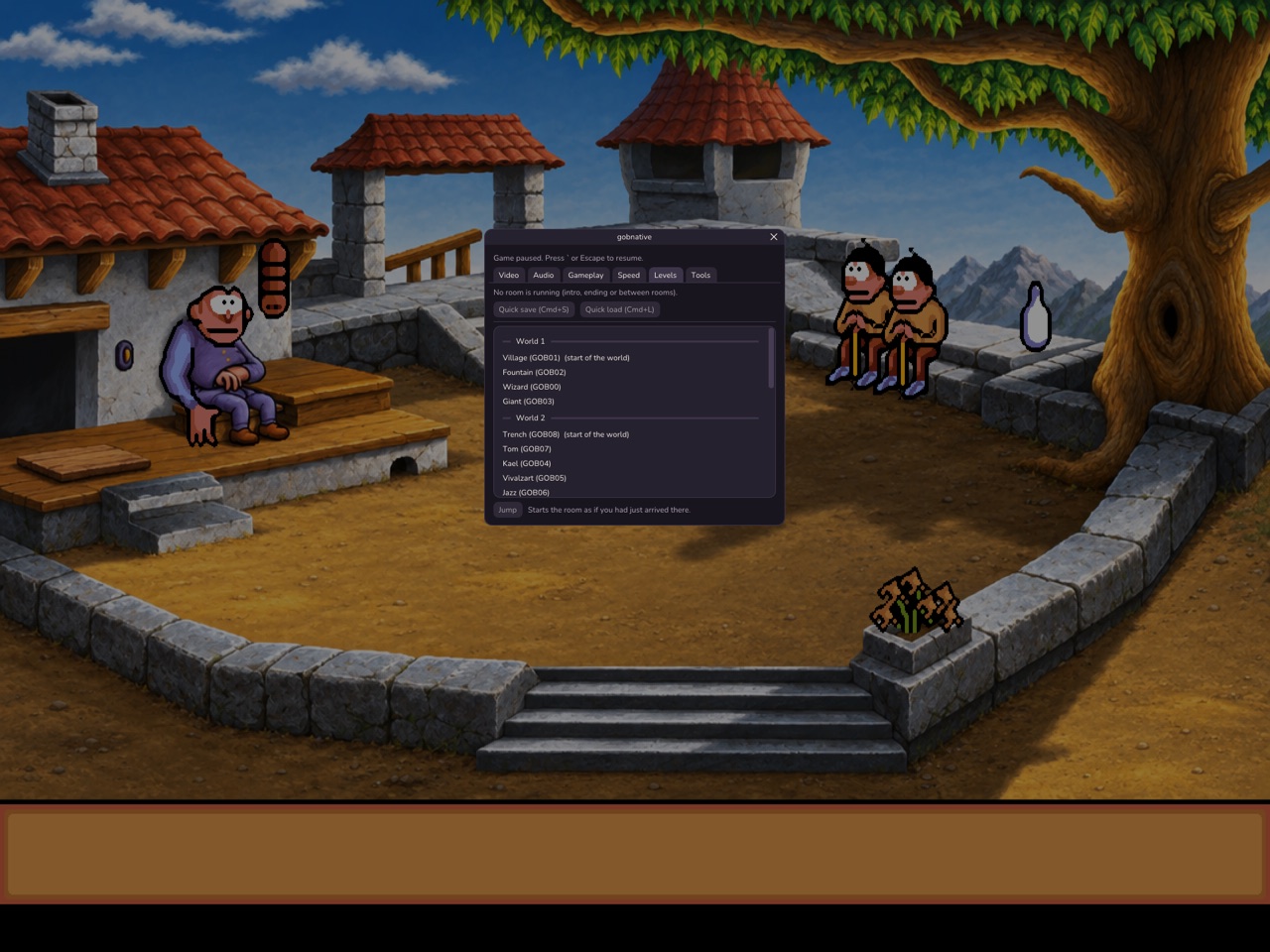
ORIGINAL PIXELS OR HDEvery picture can be swapped for a high-resolution version you make from your own game files. Here Gobliins 2’s village keeps its goblins, while the room behind them is repainted.
Stuck? Ask.
WALKTHROUGH HINTSThe Goblins games are famously hard. Because gobnative runs the game itself, it can see what you have already done: which level you are in, what each goblin is holding, what has moved. So a hint is never a page of a walkthrough to scroll through; it is the next thing to do, right now, in your game.
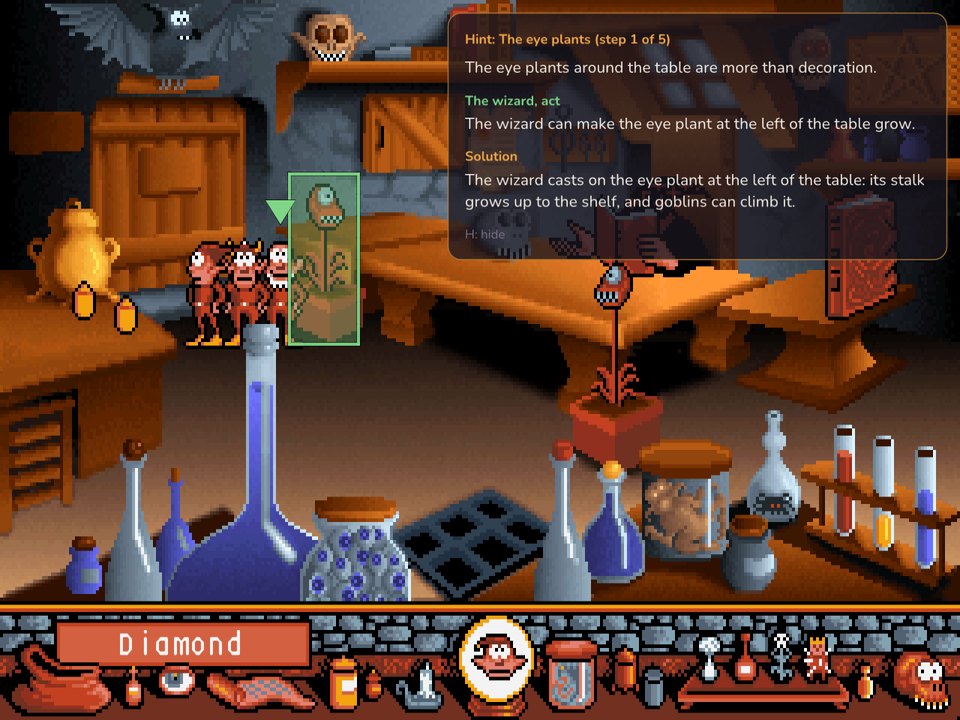
Press H (the Hint button on a touchscreen, the yellow key on an LG remote) for a gentle push in the right direction.
Press again: which goblin should act, and how. The spot to click glows green and an arrow points at the goblin.
Press once more for exactly what to do. Solve the step and the card moves on by itself, even if you solved things in another order, jumped levels or loaded a quick save.
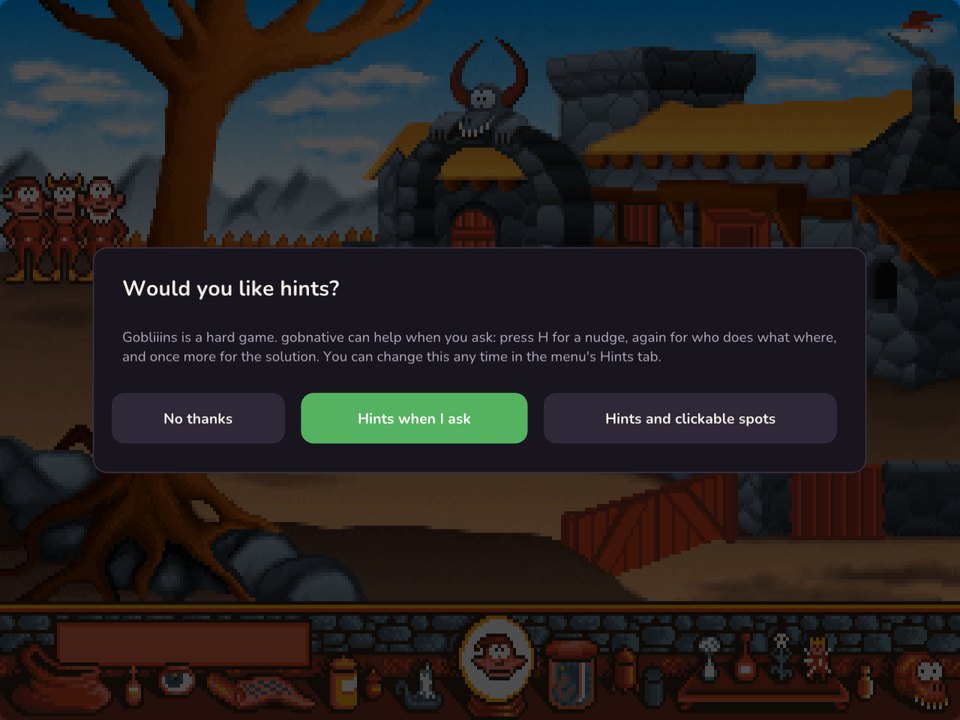
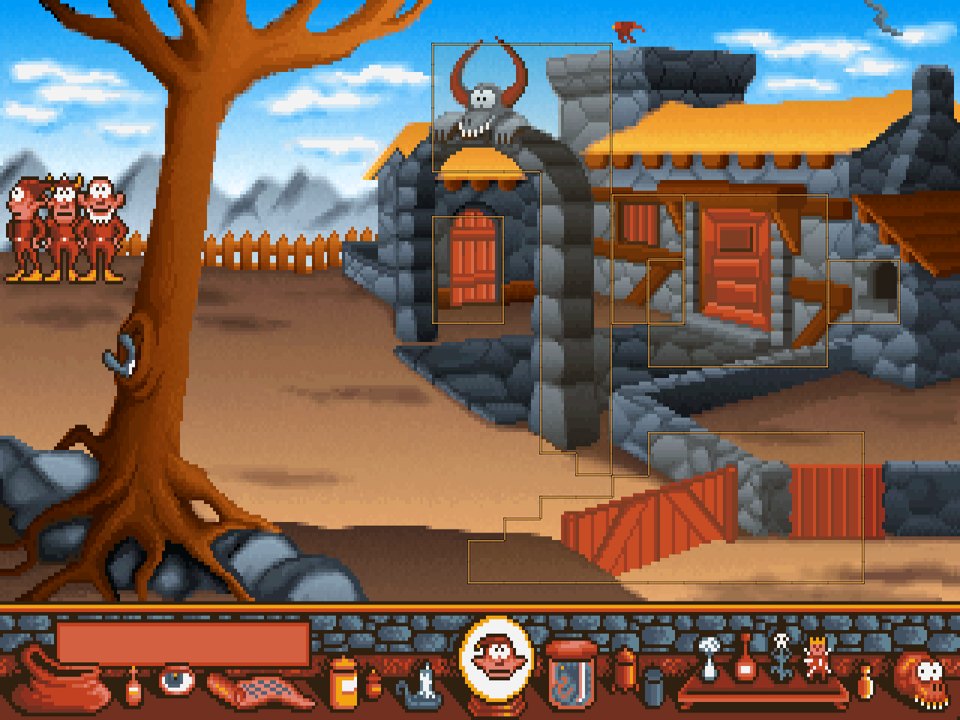
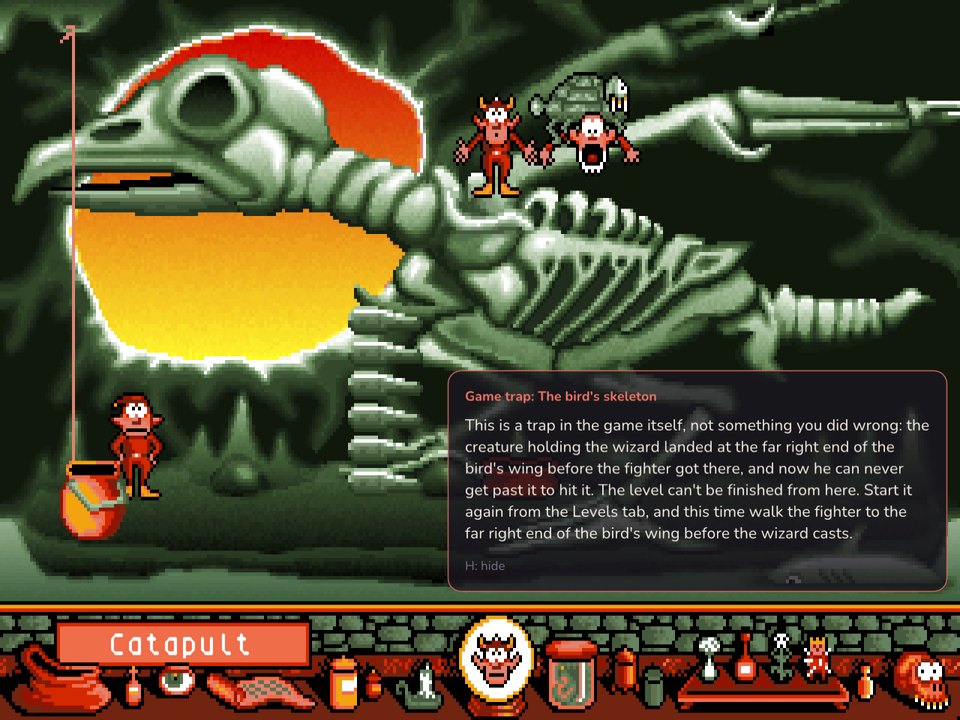
Every hint is checked automatically: on each change, a script plays Gobliiins from the intro to the ending and asks for the hint before every step. Read how it was made in the devlog.
A little setup, a lot of adventure
Download the Windows offline installers (setup_….exe)
from
your GOG library
. They are read as game data, never run.
In the player, choose a game’s “Install…” button and select its installer, or drop it onto the player. On a phone, pick the installer from your downloads, or add a zip of the game made with “Export zip” on a computer.
Your imported games, settings, and saves stay in this browser. Return on the same device and browser to continue.
Beyond the browser
SAME ENGINE, MORE PLACESA native app with the same library. Build it from source with CMake and SDL2; installers can be dropped onto the window.
Build instructions
Windows 10 and 11. Download the ready-built zip from the latest
build, unpack it and run gobnative.exe.
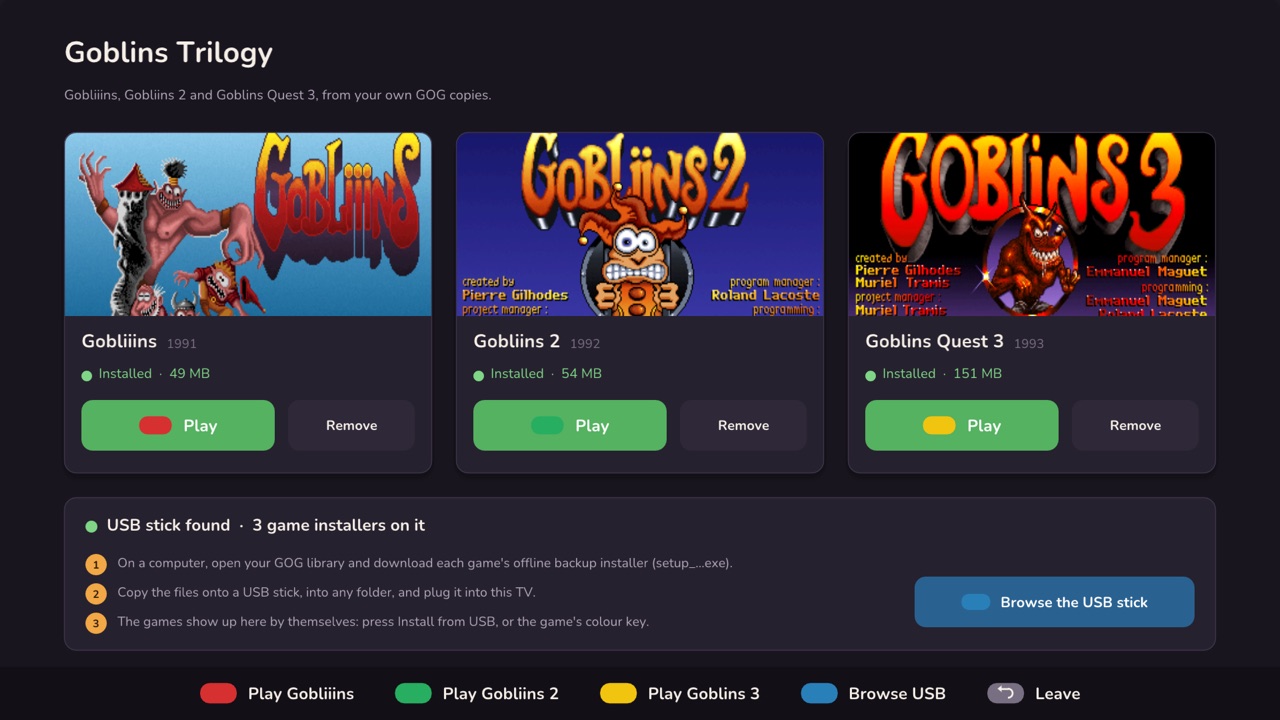
A native TV app for the Homebrew Channel. Copy the installers to a USB stick and the games install themselves; play with the Magic Remote, with its colour keys as shortcuts.
TV guideA fresh engine, familiar adventures
Quick saves, hints that follow your game, display filters, 4:3 aspect correction, adjustable speed, and optional HD packs you create from your own game files.
Press ` for settings, H for a hint (once hints are on). Hold Esc to return to the library.
Read the user guideEverything stays with you
Game installers are processed on your device and stored in your browser. They are not uploaded to this website.
Clearing site data removes the local library and saves. Browser storage can also be cleared automatically (Safari does this after seven days without a visit unless the player is on your Home Screen), so keep your original installers.